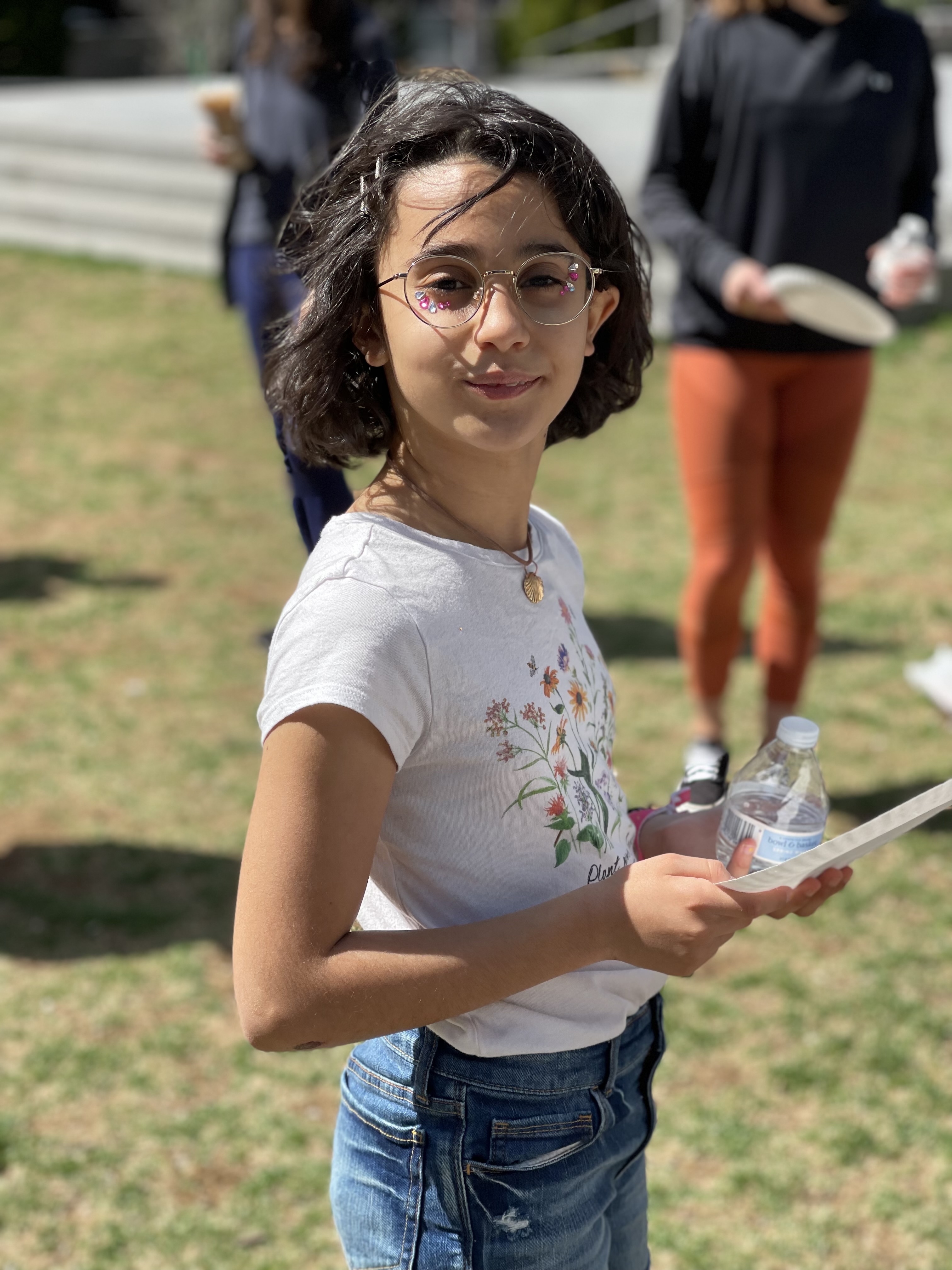
Layla Jioussy
In school, we did a semester long project called Passion Projects where each person chose a project that they wanted to work on for the semester, I chose iPhone Photography. In this post, I wanted to share with you guys a little bit about my project journey.
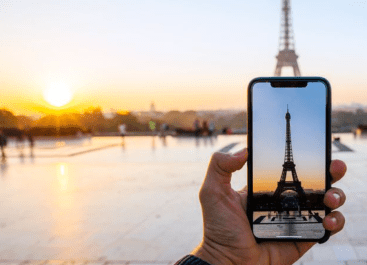
In school, my teachers introduced us to Passion Projects and I thought that it would be a great opportunity to learn more about photography, mostly iPhone photography. Whenever me and my family went places with nice views or cool stuff, I would always ask my parents to give me their phones to take photos, well, until I got my own phone. For my project, I decided to do it on my own since iPhone photography isn’t exactly a group project.
Before I started actually taking photos, I had to do a lot of research on types of photography, tips and tools, and most importantly, photography composition. I also researched many other topics to help me with my project. All of this researching took me a couple of weeks. After that, I was ready to get started. I started with just taking a few photos here and there around my school and then I got better and built up on that by using the techniques I learned. Some of the techniques I used were Bird’s Eye View, Bug’s Eye View, the Rule of Thirds, and Photography Composition. I want to talk a little bit about photography composition. Photography composition is basically all of the principles of photography, it’s everything in photography and it is also the way to take and edit a photo in a way that looks good to you.
After I was finished with taking all my photos, I edited them. For the editing, I did it on the MacOS photos app. At the beginning, I didn’t know what each of the filters in the editing meant. Later in my journey, I went to a iPhone photography/editing class in the Apple store and they taught us what each of the filters does. I edited my photos but kept the originals of each of the photos so I can see how the photo improved.
In my final product, I performed a presentation containing all the topics I explored, the editing process, and my before and after photos. In the rest of this post, I’m going to show you some of my before and after photos, so keep scrolling down!

Here is a before and after of a photo that I took at Dave’s Pumpkin Patch located in west Sacramento:

Here is a before and after of a photo that I took of a fake plant in one of my teacher’s classrooms:
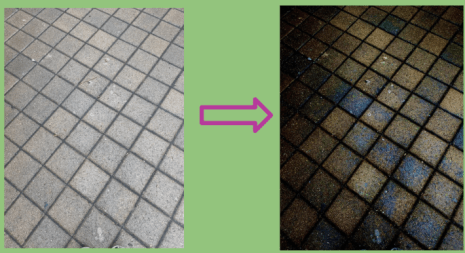
Here is a before and after of a photo that I took of the ground outside at my school.
If you have made it this far, good for you. This is a kind-of long post, so thanks for reading it and seeing some of my iPhone photography project final products! I hope you are looking forward to reading more in this blog! And by the way, the class that I took in the Apple store that I was talking about earlier in this post is free for everyone, so if you are interested, I recommend to try it out.
 HOME | Walkwithlayla